Facet
Goal
Keep batches of categorized tasks, and record progress as small snapshots over time, so you can look back at a week or a month and see when work actually happened and when nothing did.
Current state
Beta. Batches with start and end times, categories you can isolate, plain-text import and export, automatic and manual snapshots, snapshot editing, seven progress charts with a time zoom, including two build-up views, an experimental Shape view for choosing what to work on, a time-lapse of how the shape grew, a finish-date forecast that accounts for tasks being added and removed, drag-and-drop reordering, and a settings page with backup and restore. Data lives in this browser's localStorage and is included in a JSON backup, and the ℹ️ button in the header shows when you last made one.
Notes
- Single-file HTML app — no build step, no server, no libraries.
- Task format is plain text:
# Category,[] task,[x] done,[3/10]fraction,[~]partial (counts as 50%),- [] subtask. - Snapshots are taken a few seconds after opening the page, shortly after any change, and on a periodic prompt, but only while the page is open and the batch is between its start and end.
- Times are stored as exact moments and shown in a time zone you choose, so daylight saving never shifts a batch.
Changelog
- v0.19 — You can edit tasks right on the Shape tab, full screen too: click a task's words to edit, press Enter for the next task, Tab or Shift+Tab for subtask or main task, Backspace on an empty task to delete it, and use the add task circle or the N key. The hide-finished button is now a Show all / Hide done choice, and the categories are a list down the top left.
- v0.18 — The Shape tab is tidier: the category chips and the zoom, hide completed, task list, settings and full screen controls now sit inside the shape's corners, the shape fits the window without scrolling, and F goes full screen. The curved rotate buttons and Surprise me are gone.
- v0.17 — A change you make is stamped with its own time even if you close the tab right away: the snapshot is taken as the page is hidden, and a change that still slipped through is recorded at its real time the next time you open Facet (shown as "recovered after closing").
- v0.16 — New Progress chart, Build-up (scope): finished tasks that were in scope (green) against finished tasks that were out of scope (grey), as tall as the total number of tasks.
- v0.15 — The forecast line on the charts is soft green when you are on track to finish early and soft red when late. On wide screens a side panel shows the current shape and a small forecast chart; both can be switched off in Settings.
- v0.14 — Shape Progress can be exported as a video (MP4 or WebM, wide, square or vertical, up to five minutes) from a button on the tab. It is rendered in your browser, faster than real time, and nothing is uploaded.
- v0.13 — New logo: the breathing facet on a transparent background, used as the favicon and the header icon, and an animated thumbnail for the Toolbox card.
- v0.12 — New Inbox tab: a general task list for tasks that are not in a batch yet, each keeping the time it was entered. Send any task to a category of a batch. It is saved, included in backups and exports, and kept out of snapshots and charts.
- v0.11 — Plan marks: a small box at the right of every task (and one per category) cycles soft green for a core plan task, soft red for a task added later, or no mark. The forecast never counts core tasks as new work and always counts added ones.
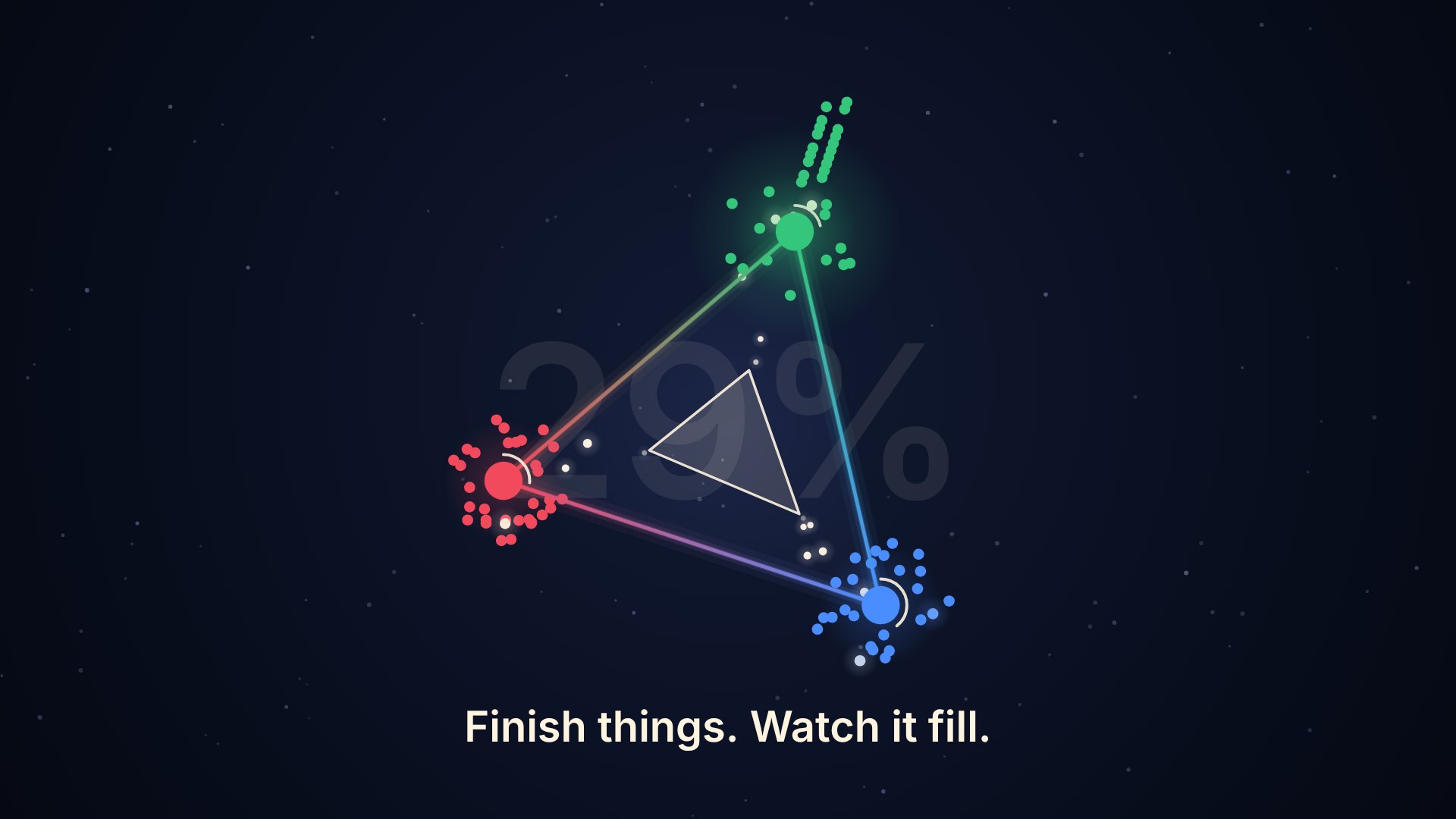
- v0.10 — Renamed from Task List to Facet (your data carries over, and the old address redirects). New Trailer: a 25 second abstract explainer and a 4 second logo loop, playable on a page and downloadable as MP4 in wide, vertical and square from the showcase.
- v0.9 — The forecast has a task add buffer (default 1 hour from the batch start, set in Settings and overridable per batch) so the tasks you add while planning a batch are not counted as new work.
- v0.8 — New Progress view, Build-up (area, total), that is always full and shows each category's share of all tasks with the finished part solid. Every time view on the Progress charts keeps a 4% gap to the right of "now". Shape Progress has a loop toggle and now evolves like an organism: it starts as the first snapshot's shape and a category you added or removed part-way buds out of or folds back into the shape. Added a learnings write-up and animation plans to the project folder.
- v0.7 — Reorder tasks (with their sub-tasks) and whole categories by dragging the ⠿ handle or with Alt+↑/↓. The forecast now factors in tasks you add or remove, and was backtested against simulated scenarios. Progress charts keep room to the right of "now" and gain a Start → now zoom. Shape: right arrow rotates counter-clockwise, a curved ↺ ↻ pair at the top, Hide/Show completed next to Surprise me, and an option to push finished tasks to the end of each ray.
- v0.6 — Shape Progress tab (a looping time-lapse of the shape growing, 30 seconds to 3 minutes), a forecast on the Progress tab ("at this rate, all tasks will be completed on…") with a projection line on the charts, a full-width option for the Shape views, and a combined Radar + Weighted geometry.
- v0.5 — Progress gains two build-up views (stacked area and stacked bars) showing completed tasks per category, with the axis topping out at the total number of tasks. The Shape view's side buttons are now curved rotation arrows.
- v0.4 — Shape tab: categories as the corners of a rotating shape with the selected one flat at the top, tasks radiating outward, a header icon showing the current focus, and a gear panel of effects. ℹ️ and ⌨️ panels in the header (the footer is now just copyright), and a time zoom on the Progress charts from 30 minutes to 30 days.
- v0.3 — Type markdown in any row (
#,[],- [],[x],[3/10],[~]convert it live) and Backspace at the start of a category or subtask undoes it. Category colours get the preset palette plus a custom colour. - v0.2 — Dark / Light / Match-device theme toggle in Settings, applied before first paint.
- v0.1 — first build: batches, categories, import and export, snapshots, charts, settings.