Render Desk
Goal
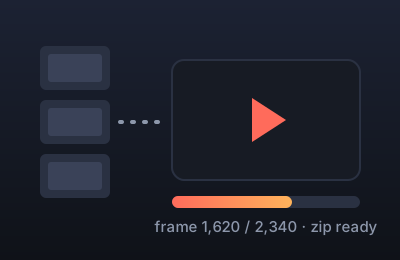
Render the toolbox's showcase videos (trailers, explainers, logo loops) on your own computer instead of waiting for a slow cloud render. Claude prepares the scenes; this page renders every missing video and poster in your browser and gives you one zip to commit back.
How to use it
- Open this page in Chrome or Edge on a computer. Items that still need videos are listed under Queue.
- Press Render everything in the queue. Keep the tab in front; a preview and a progress bar show while it works.
- The zip downloads when it's done. Its folders match the toolbox repository, so with GitHub Desktop you drag its
toolsfolder onto the toolbox folder, commit, and push. The page shows each step and a commit message to paste.
Privacy
Nothing is uploaded. The videos are made and kept in your browser until you download them. The only thing saved is your quality setting.