VTT Prototype
Goal
Decide how to build a voice-to-text tool for Windows 10: press a hotkey, speak, and the words appear in whatever page you are working in. This page lays out every pathway and every building block so the choice can be made by looking, before any real code is written.
Current state
Mock-up. Nothing is connected. The page never listens to a microphone and never sends anything; the demo on the Signal chain tab replays a fixed sentence on a timer. Your picks stay in this browser.
How to use it
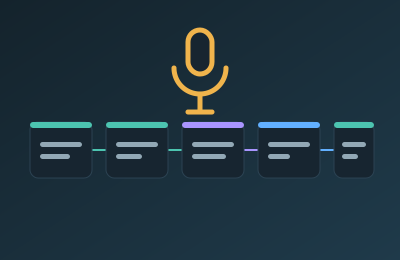
- Signal chain: choose a type and see which machine runs each step. Click a step to open its options. Play the demo to see how each live-versus-on-stop strategy feels.
- Types: the 16 pathways side by side. V1 is fully offline on one PC, V1.5 uses a second PC on your network, V2 is the cloud, V2+ mixes local and cloud.
- Options: 137 options in 14 categories. Tick the ones to consider.
- My build: your picks, with checks for combinations that clash, and a request you can copy.
- Full list: everything as a plain outline.
To ask for a build, use the IDs: for example "T2b, 2 from C5, 3 from C8".
Privacy design
The tool being planned would only ever need microphone audio. Option C14i makes that explicit: the app can know nothing about what you are doing, only the name of the foreground app, or only its window title, and never reads the screen.
Changelog
- v0.1 (2026-10-31): first version. Signal chain, 16 types, 137 options, scripted demos, My build, Full list, CATALOG.md, unit tests.